Feature
Floor plan to 3D you can edit
Upload a PDF or a photo. AI builds the walls, doors and windows, and you furnish the room.
Free account
2 renders a day
No card needed

From a file to a room
The plan you already have becomes a room you can furnish.
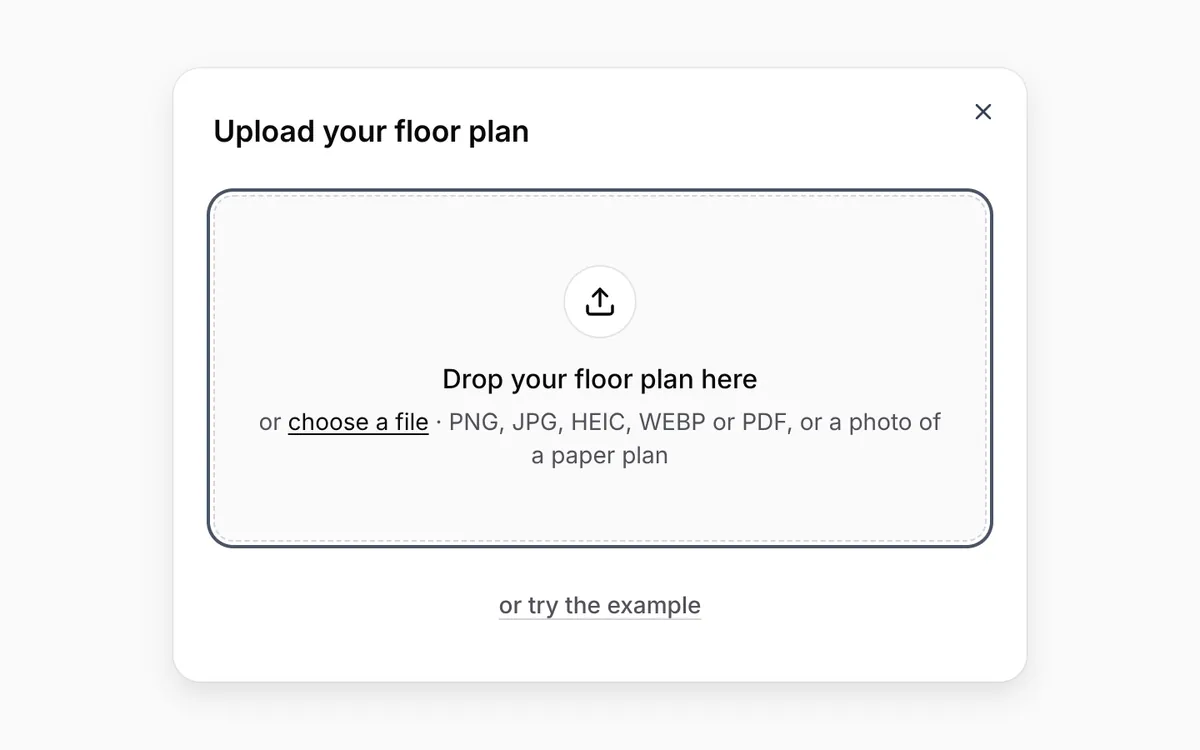
Upload the plan you have
A PDF, PNG, JPG, WEBP or HEIC file. A drawing, a screenshot or a photo of a paper plan all work.
Furnish the room it built
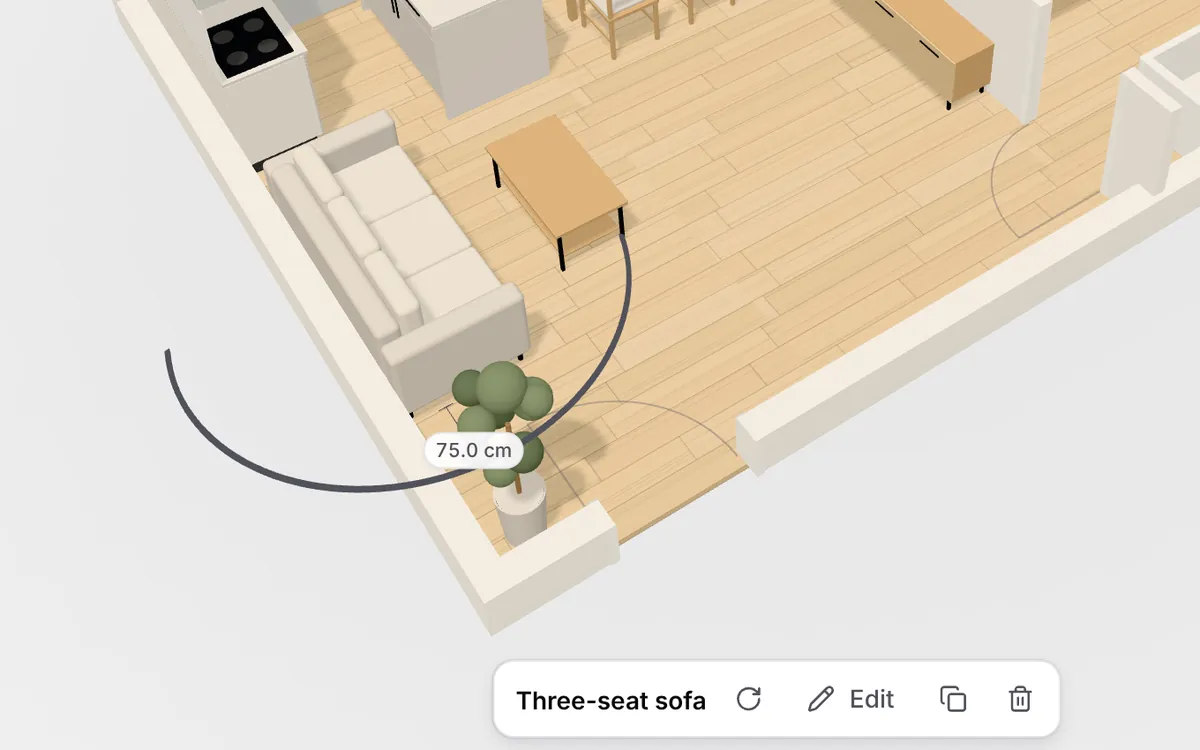
Drag in furniture from the basic catalog. Pieces land against a wall, distances show as you move them, and a free account can change walls and windows in plain words.
3D and 2D
Look around the room in 3D, or switch to a flat plan of the same walls.
Live distances
The gap to the walls and to other pieces shows while you drag. Measure checks any other span.
Photo renders
2 AI photos a day on Free, 30 on Pro. The render follows the view you have open.
How it works
Step 1
Upload your plan
A PDF, a screenshot or a photo of the paper one.
Step 2
Check the 3D room
Walls, doors and windows appear in under a minute. Set one known length if the plan has no scale.
Step 3
Furnish and render
Drag in furniture, switch to 2D, and render a photo of the view.
Where to go next
Kitchen planner
Place a fitted kitchen, an island and appliances in the room the plan built.
Floor plan to 3D, no account
Look around a plan in 3D without saving it. Furnish it here when you want to keep it.
Free and Pro
Free is €0, no card. Pro is €12 per month or €120 per year (2 months free) for your own 3D models, more floors, PDF export and 30 renders a day.
Questions
How long does floor plan to 3D take?
Under a minute for a normal plan. AI reads the walls, doors and windows. A clean drawing works best. A screenshot from a listing or a photo of a paper plan works too.
What if the plan has no measurements?
Use Fix scale and set one distance you know. The rest of the room follows that. Basic furniture is then built at the size you choose.
Can I change the room after it is built?
Yes. Switch between 3D and a flat 2D plan, and drag furniture. With a free account you can change walls, doors, windows, rooms and ceiling height in plain words, for example "add a window to the left wall". Editing a furniture piece with AI is part of Pro.
What does floor plan to 3D cost?
Your first room needs no account. A free account keeps it: 50 basic pieces and 2 AI photos a day, with a daily limit on floor plans, and one floor per design. Pro is €12 per month or €120 per year (2 months free): your own 3D models, more floors, PDF export, 30 renders a day and invited collaborators (2 seats).
Start with the plan you have
Upload a PDF or a photo. Your first room needs no account.
Free account
2 renders a day
No card needed