Use case
Kitchen planner
Start from the floor plan you already have. Place cabinets and appliances at real sizes and see the space left to walk.
Free account
2 renders a day
No card needed
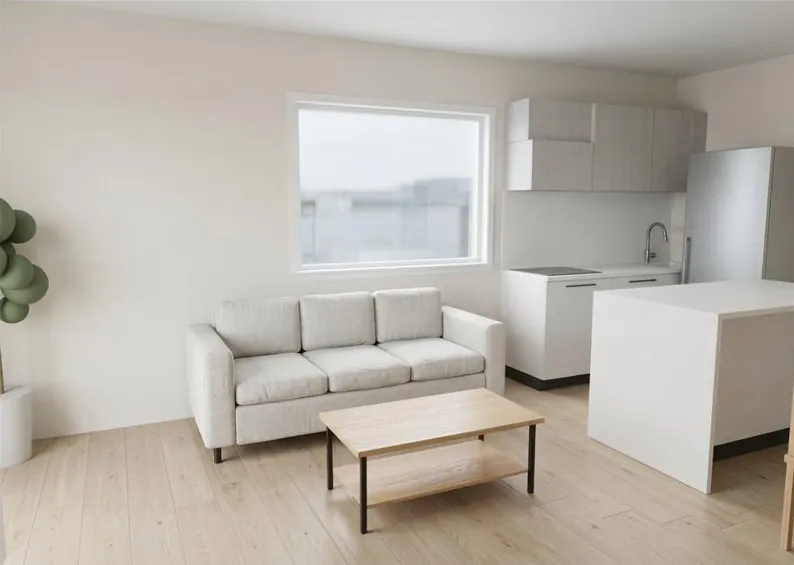
Plan it in the real room
Cabinets from the basic catalog, sized to the walls you uploaded.
A kitchen that fits these walls
The basic catalog has a fitted kitchen, base cabinets, a tall cabinet, an island, a fridge freezer and a range cooker. You set the width, depth and height.
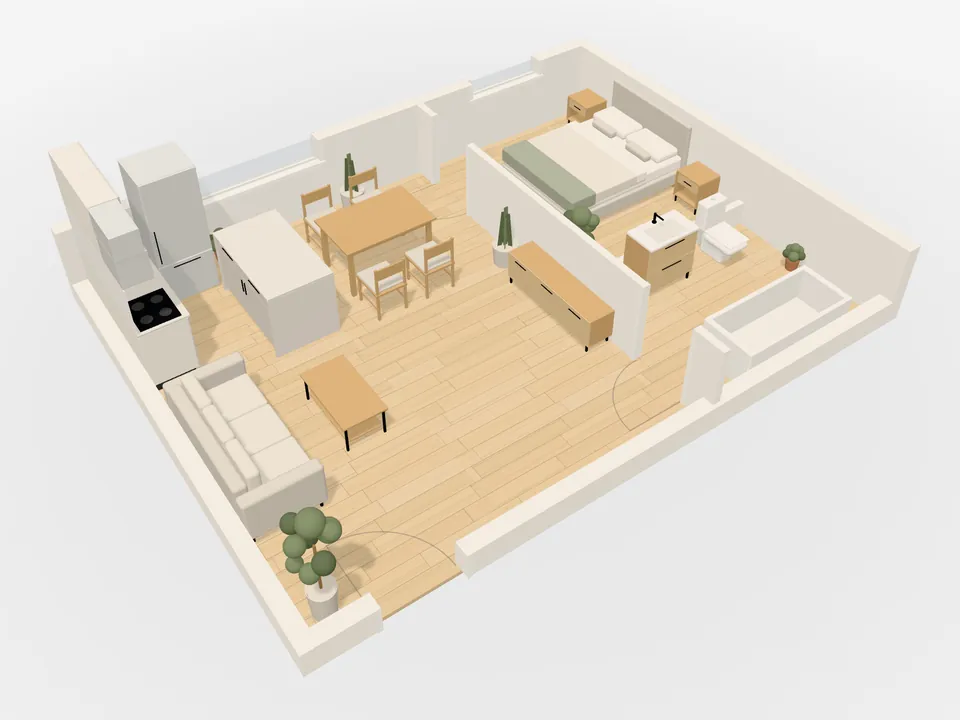
See the gaps, then a photo
Distances show while you drag the island or the fridge. Then render the view: 2 AI photos a day on Free, 30 on Pro.
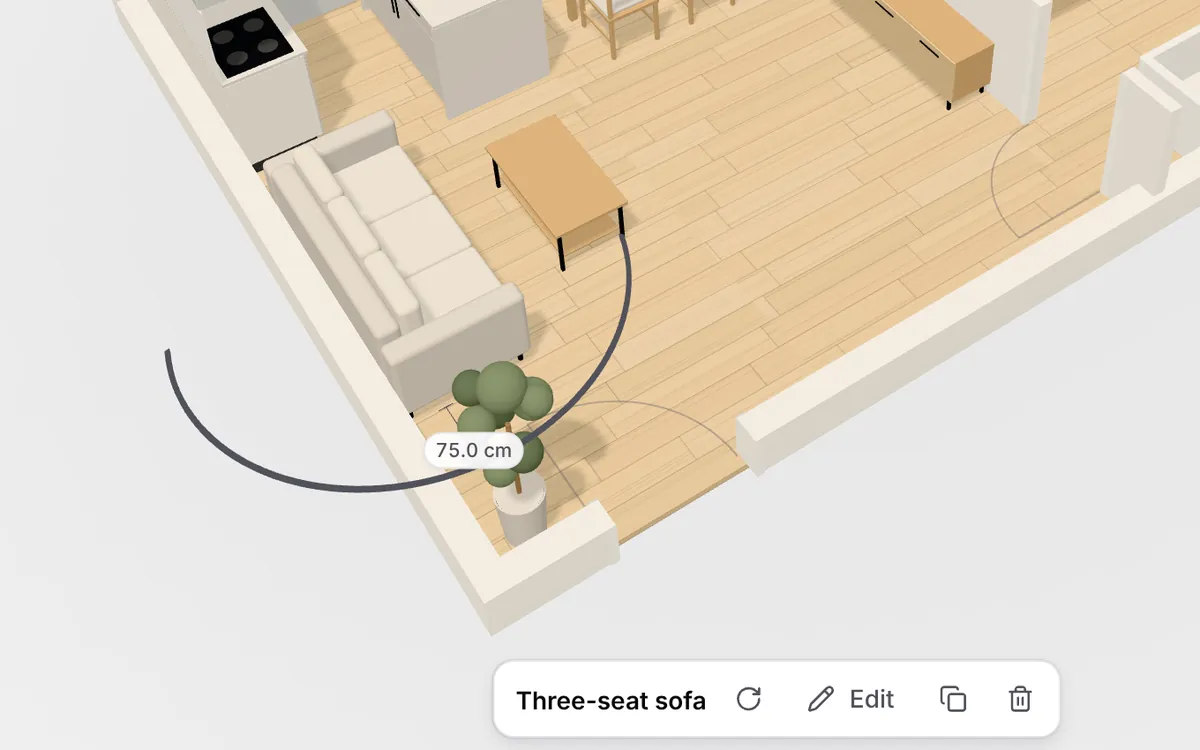
A fitted run
Base units, a worktop, a sink, a hob and wall cabinets. The run adds units as you make it longer.
An island
A stone top with a seating overhang. Drag it out and read the gap that is left to walk.
A piece from a shop
Paste a product link and Free places a block at the listed size. Pro builds a 3D model from the link, a photo, or your own GLB file.
How a kitchen gets planned
Step 1
Upload the plan
The kitchen sits inside the walls you already have, not on a blank grid.
Step 2
Place the pieces
Add a fitted run, an island, a fridge and a cooker, and set each size.
Step 3
Check, then render
Read the gaps as you move a piece, then render the view to see it as a photo.
Where to go next
Floor plan to 3D
How an upload becomes an editable room, before you place a single cabinet.
Flooring calculator
How much flooring to buy for the room, with waste allowed for.
Free and Pro
Free is €0, no card. Pro is €12 per month or €120 per year (2 months free) for your own 3D models, more floors, PDF export and 30 renders a day.
Questions
Can I plan a kitchen without drawing the walls?
Yes. Upload the floor plan you already have, as a PDF, an image or a photo of a paper plan. The walls, doors and windows come from that plan, and you place the kitchen into them.
Which kitchen pieces are included?
On the free plan: a fitted kitchen with a worktop, an inset sink and hob, a splashback and wall cabinets; base cabinets; a tall cabinet; an island with a seating overhang; a fridge freezer; and a range cooker. Each one has a size range, and the model is rebuilt at the size you set.
How do I know an island leaves room to walk?
Live distances show the gap to the walls and to other pieces while you drag. The Measure tool checks any other span. Then walk through the room at eye height.
Can I use a cabinet from a shop?
On Free, paste a product link and it is placed as a block at the size listed on the page. Pro turns a product link or a photo into a true-to-size 3D model, and you can upload your own GLB file. The basic kitchen pieces stay available either way.
See the kitchen in your room
Upload the floor plan, then place the cabinets where the walls already are.
Free account
2 renders a day
No card needed